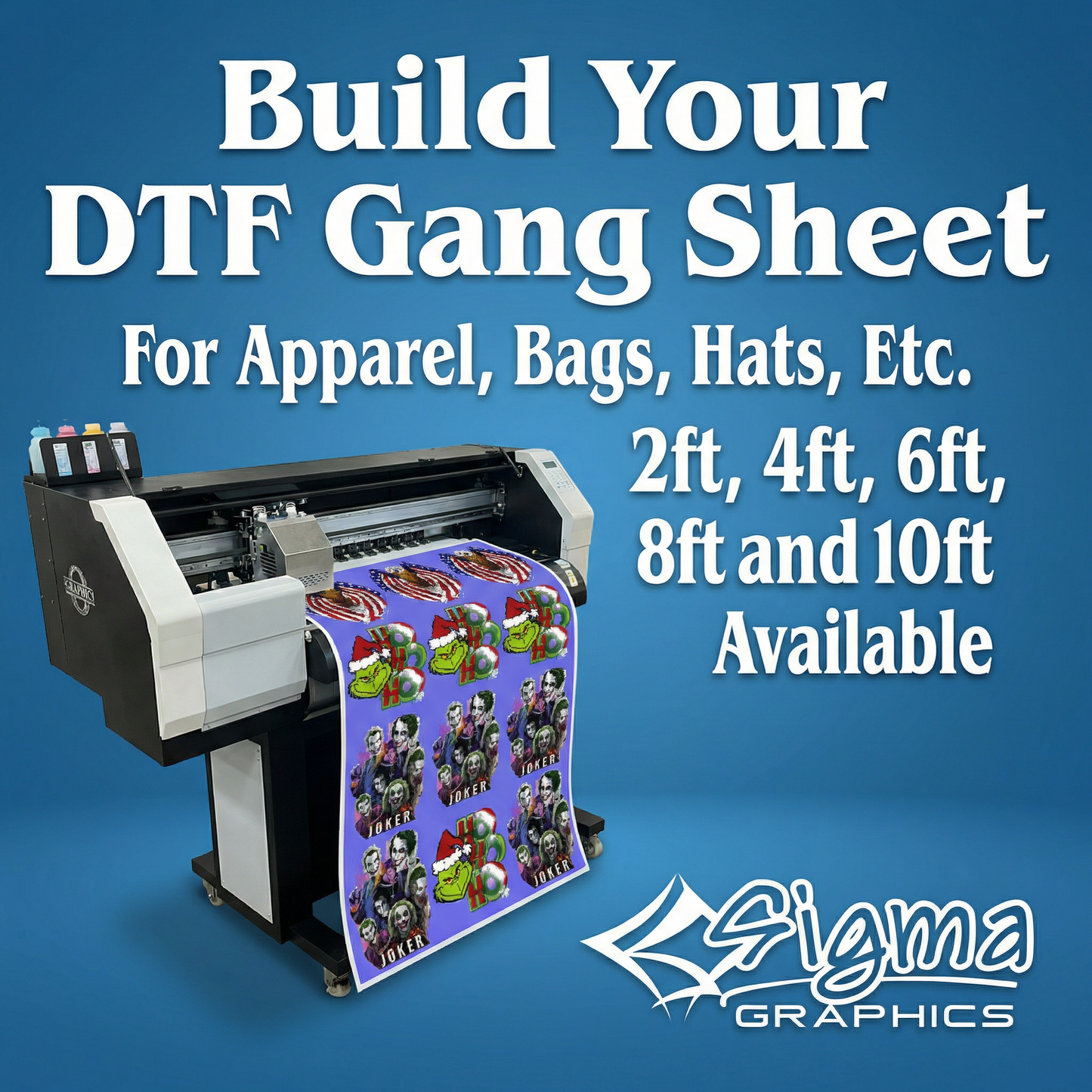
Gang Sheet Builder
Gang Sheet Builder
Couldn't load pickup availability
Order in & get it by | 15-day returns on all orders
Description
Description
Build your own DTF gang sheet in minutes and get a clean, press-ready print you can trust. Our Gang Sheet Builder is made for small businesses, teams, creators, and anyone who wants cost-effective printing, crisp detail, and easy application without the hassle.
Turnaround time
• 1–2 business days
• Monday–Friday
• 10am cutoff for same-day printing (when available)
What you get
• DTF gang sheet printing for your ready-to-print artwork
• Sharp color + clean detail for professional results
• Designed for easy pressing on apparel and fabric items
File requirements (important)
• Accepted formats: AI, EPS, PDF, PNG
• Resolution: 300 DPI recommended
• Upload your design using the Gang Sheet Builder on the product page
Best for
• T-shirts, hoodies, tote bags, and more
• Bulk orders, team apparel, and business branding
• Multiple logos/designs on one sheet to help maximize value
Pressing instructions (DTF)
• Step 1: Pre-press optional. Skip it unless you want to remove wrinkles.
• Step 2: Place the transfer and align carefully. Tape is optional, but helpful for hats or tricky items.
• Step 3: Press with medium pressure at 310°F / 155°C for 15 seconds. Use parchment paper or a guard sheet to protect the garment.
• Step 4: Let cool 15–30 seconds, then peel. If needed, use an air blower to speed cooling.
• Step 5: Final press for durability: cover with parchment paper or a thin T-shirt layer and press 15 seconds.
• Washing: Turn garment inside out, wash cold, and tumble dry low or hang dry.
Pro tips for best results
• Use consistent medium pressure across the full design
• If edges lift, press again with a guard sheet and increase pressure slightly
• Let the transfer cool enough before peeling for a cleaner release
Need Help?
Need Help?
Have a question about your order, artwork, sizing, customization, or quote request? Sigma Graphics is here to help. Contact us here:
Return Policy
Return Policy
Exchanges may be accepted within 15 days for unworn or damaged products. All sales are final, and refunds are not available. For damaged, defective, or incorrect items, please contact Sigma Graphics immediately after receiving your order.
Full policy: https://www.shopsigmagraphics.com/pages/refund-policy
This offer is for limited time only! Buy before price increase.
View full details